

In Mail
You select a sum
“1,299 × 0.19” – the result is already in the middle of the ring. One click puts it in place of the sum.
 For macOS 26 Tahoe
A ring of tools that opens with one keystroke, right where you're working. Calculate, translate, paste, brightness – one gesture instead of many clicks.
One-time purchase. No subscription, no account.
Hover the ring – or press ⌥Space
ORBO waits quietly in the menu bar. When you need it, it appears exactly where your eyes already are – in every app.
Select a sum, an amount, an address or a colour – ORBO shows the tools that fit. Also in Chrome and Electron apps.
Several languages at once with a preview. Apple's on-device models, nothing is uploaded.
Your clipboard history one scroll away – pin items, paste as plain text.
Brightness, keyboard light, Wi-Fi, Bluetooth, dark mode – and a keyboard lock for cleaning.
Cover, title and progress from Spotify or Music. Fine volume by scroll wheel – or just drag it.
Native, with Liquid Glass in four strengths. Light, dark, English, German.
Up to eight in your ring.
What ORBO feels like in the apps you already use.
“1,299 × 0.19” – the result is already in the middle of the ring. One click puts it in place of the sum.
Context shows it on a map with the distance – and opens the route if you like.
ORBO suggests the music ring: play/pause on top, previous left, next right. Take it once, done.
Select it, pick a language, replaced – right in the text, translated on your Mac.
Your history is one scroll away. Scroll, click, pasted.
Keyboard lock on, wipe in peace, unlock with the mouse. No stray keystrokes.
Up to eight modules, arranged your way. A template gets you started in seconds – and every app may have a ring of its own.

Music, meeting, writing, design, code, focus, presenting, research, quick start – arranged with care. In a matching app, ORBO suggests them on its own.
A setup of its own for Figma, VS Code, Gmail or any website – ORBO switches by itself.
Dark mode, keyboard lock or play/pause as a segment of its own – one click and it runs.
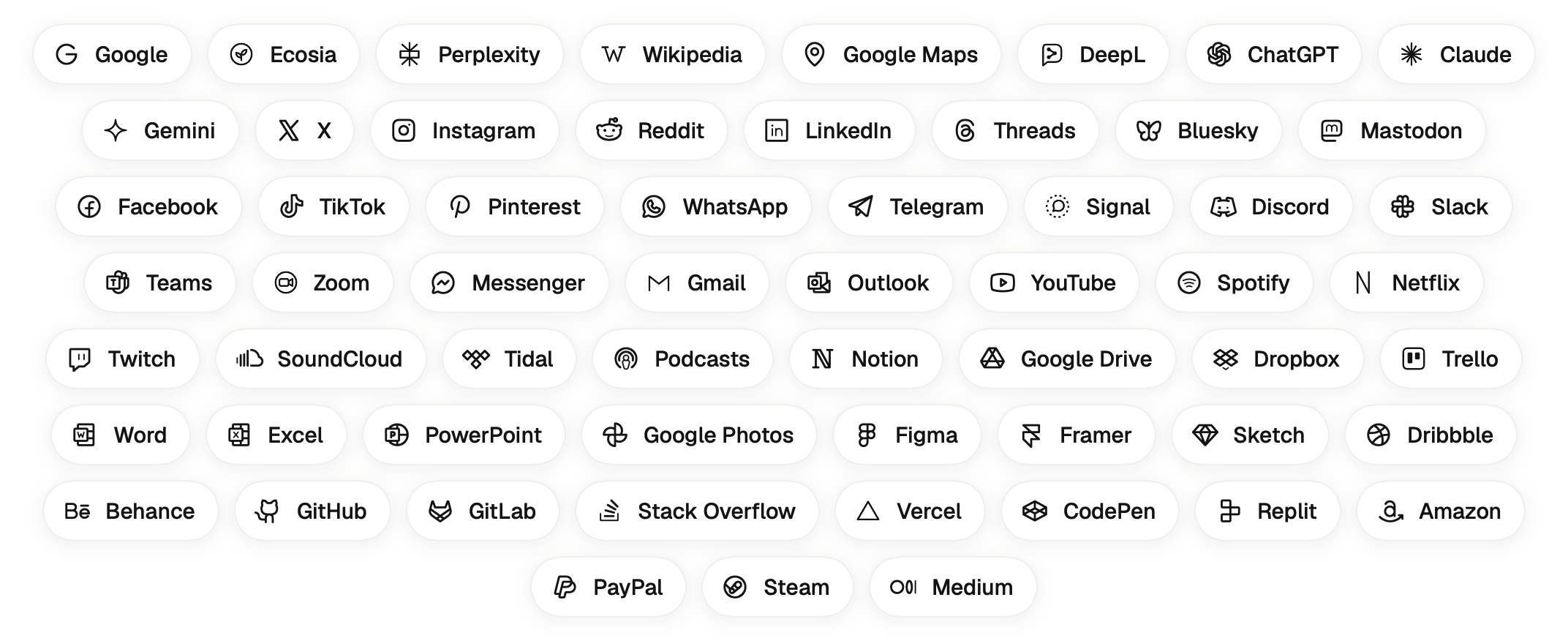
59 shortcuts as segments of their own – ORBO opens the Mac app if it's installed, otherwise the website. Every logo drawn in one consistent line.
History, settings and license live on your Mac. No account, no cloud.
For weather, exchange rates and maps – and a short license check.
No analytics in the app. This website sets no cookies either.
Try everything for three days. Then decide – no pop-ups, no reminders while you test.
Open the downloaded ORBO.dmg.
Drag ORBO into your Applications folder.
Start ORBO. The introduction walks you through the permissions – in about two minutes.
Macs with Apple Silicon (M1 or newer) and macOS 26 Tahoe or later.
Download ORBO, a short introduction helps with the setup, then you have three days with every function – no account, no credit card. Afterwards the ring opens the unlock window instead.
No. You pay €4.99 once and keep ORBO. Updates are included and arrive automatically.
Write to us within 14 days of your purchase and you get your money back – no questions asked. And before that you can try ORBO free for three days anyway.
To read your selection, paste results, arrange windows and recognise your mouse button. macOS asks you itself; ORBO only shows you where to switch it on. No screen recording needed.
One key works on up to 3 of your Macs. New Mac? Settings › License & Updates › Deactivate on this Mac frees the slot.
Yes. License, trial and settings live outside the app and survive updates and reinstalls. On a new Mac, simply paste your key again.
Sign in with your purchase email at My Orders (Lemon Squeezy) – your key is there.
It stays on your Mac. ORBO has no analytics and no account; it only goes online for weather, exchange rates, maps, the license check and updates. All the details: Privacy policy.